What Makes a Portable CD Player Worth Buying?
A portable CD player is worth buying when it matches the way you actually listen, not simply when it has the longest feature list. A commuter may value secure controls, skip protection, and a compact design, while a home listener may care more about clean output and compatibility with powered speakers or headphones. Travel also changes the priorities: dependable battery life, a sturdy lid, and controls that are easy to use without looking can matter more than small differences in sound.
The main trade-off is usually between price, build quality, convenience, and performance. A low-cost player may work well but use a flimsy lid, drain batteries quickly, or offer limited connection options. A better model can last longer and feel more reliable, but only if its added features solve a real problem. Comparing those practical details is more useful than focusing on specifications alone.
Start With How You Plan to Listen
Begin with the situations in which the player will spend the most time. A daily commuter may need a compact model with a hold switch, responsive buttons, and enough skip protection for movement on a train or bus. Someone using it while traveling may place greater value on a secure disc lid, a headphone jack that does not feel fragile, and controls that are simple to operate in a dim hotel room. These details can matter more than a slightly slimmer design.
Home use creates a different set of priorities. If the player will connect to powered speakers, an amplifier, or a car system, check which outputs are available and whether the controls are convenient from a distance. For occasional listening, a basic player may be the sensible choice, while frequent use can justify stronger construction and easier battery access. Be realistic about compromises: a model designed for maximum portability may have smaller buttons, a less substantial lid, or fewer connection options than a larger unit.
Check Audio Support and Connection Options
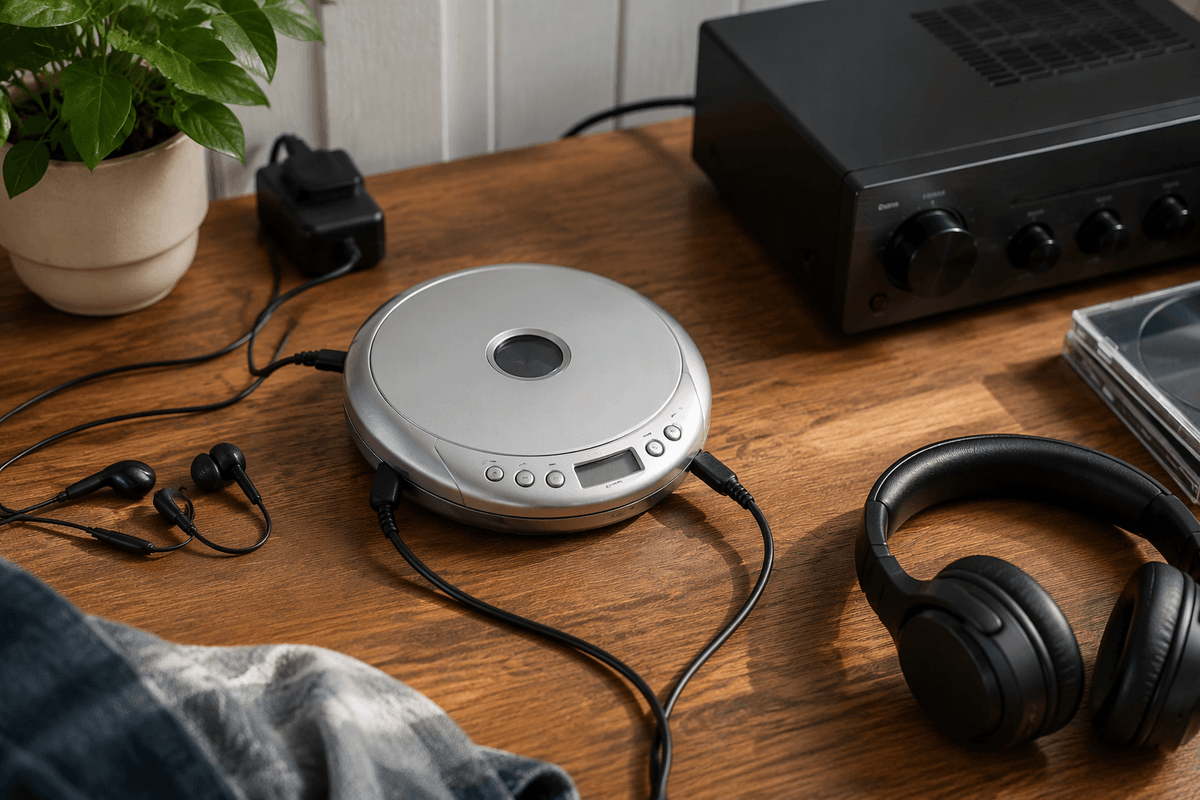
Start by checking which discs the player can read. Standard audio CDs are the baseline, but support for CD-R and CD-RW discs matters if you have burned personal compilations. Some models also play MP3 files stored on a data disc, allowing a single CD to hold many albums, though navigation may be slower and less intuitive than with ordinary tracks. Compatibility can vary, so confirm the supported formats rather than assuming every burned disc will work.
Connection options should match the equipment you already use. A standard 3.5-millimeter headphone output is essential, while a line output can provide a cleaner connection to powered speakers or an amplifier. Bluetooth is convenient for wireless headphones, but it can add pairing steps, consume more battery, and sometimes introduce delays or connection problems. Check whether the player supports wired listening while charging, and whether volume controls affect the output you plan to use. Extra compatibility is useful only when it reduces friction; otherwise, it can raise the price without improving everyday listening.
Look Beyond Sound Quality
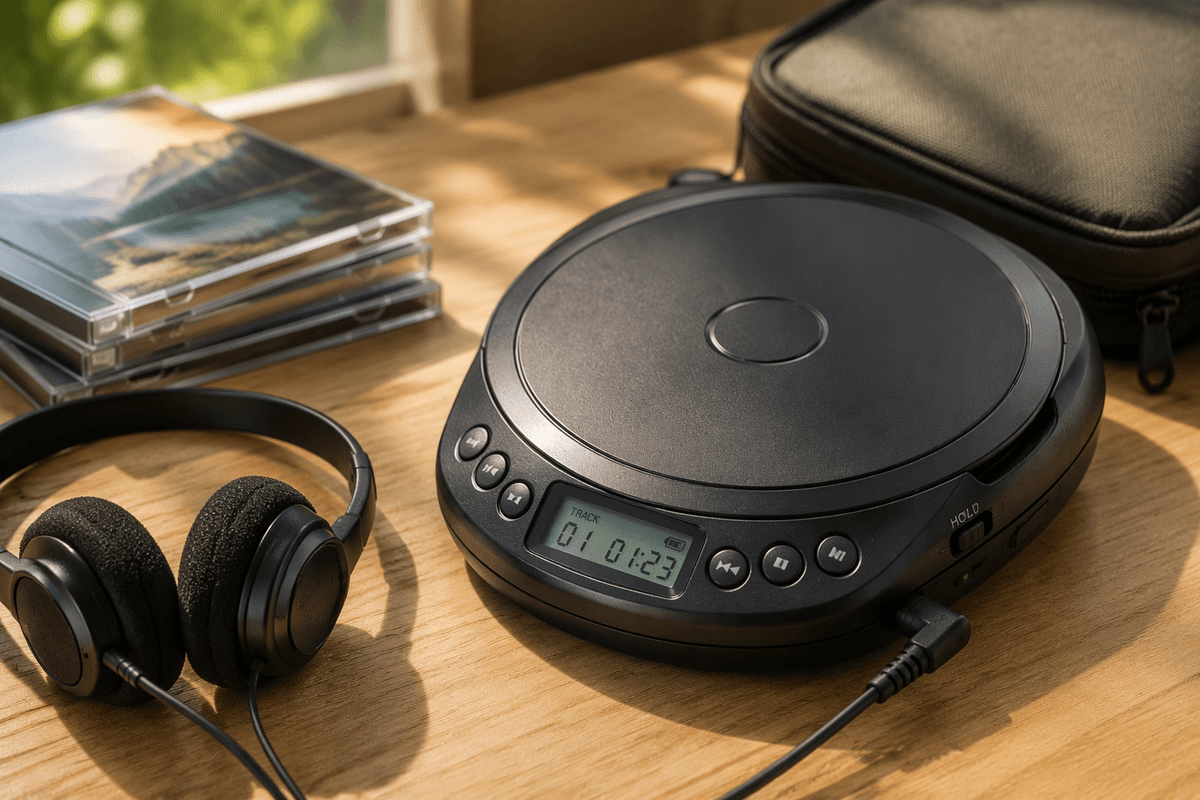
Sound quality matters, but it is rarely the only factor that determines whether a portable CD player is enjoyable to use. Pay attention to the controls, especially the clarity of the display, button size, and whether functions such as repeat, program, and track selection are easy to access. A hold switch can prevent accidental commands in a bag, while resume memory can save your place after the player is stopped. Skip protection may help during walking or travel, although it can increase power use and does not make every player suitable for running.
Build quality also deserves close inspection. A firm disc lid, secure battery cover, and well-fitted headphone jack are practical signs that a player may tolerate regular handling. Size and weight involve trade-offs: a thinner unit is easier to pack, but a slightly larger design may offer better buttons and a more durable case. Consider the included accessories as well. A protective case, reliable power adapter, or useful remote can add value, while bundled earbuds rarely justify paying much more. The best choice is the model that removes everyday annoyances without adding features you will not use.
Battery Life Can Change the Experience
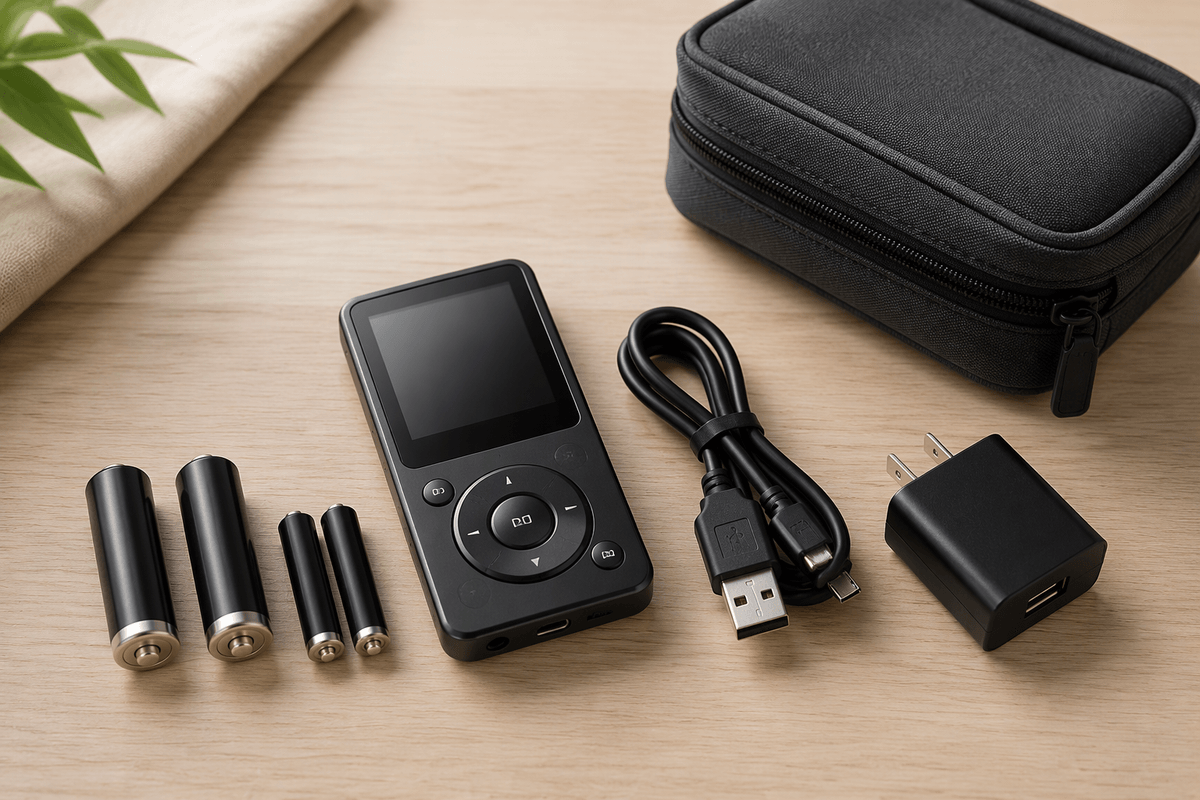
A player that runs out of power halfway through a trip quickly becomes more frustrating than useful. Check the stated battery life, but treat it as an estimate rather than a guarantee. Playback time can fall when using rechargeable batteries, high volume, skip protection, a backlit display, or Bluetooth. If you listen for several hours each day, compare the expected runtime with your routine and consider whether batteries are easy to replace or recharge.
Power options also affect convenience. Models that use standard AA or AAA batteries are practical for travel because replacements are widely available, but ongoing battery costs can add up. Built-in rechargeable batteries reduce waste and may be cheaper over time, yet they depend on a charging cable and can become difficult to replace as the player ages. Check whether the unit can play while connected to power and whether charging interrupts wired or Bluetooth listening. For occasional home use, a wall adapter may matter more than maximum runtime; for commuting, reliable battery access is usually the better priority.
Which Players Fit Different Listening Needs?
A daily commuter will usually get the most value from a compact player with dependable skip protection, a hold switch, responsive buttons, and a secure lid. Standard replaceable batteries can be an advantage when charging is inconvenient, especially on long train journeys or during travel. The compromise is that very small models may have cramped controls and less room for a comfortable display, so portability should not come at the expense of basic usability.
For home listening, a larger or more fully featured player may be the better fit. Clear track controls, a line output, a stable case, and support for an AC adapter can matter more than saving a few ounces. Listeners who use burned discs should prioritize CD-R and CD-RW support, while MP3 compatibility is useful for storing more music on one disc. These features can add complexity, so they are less important if the player will mainly handle ordinary albums.
Travelers should look for a balance of sturdy construction, easy battery access, and simple operation. Someone replacing an old device may not need Bluetooth or elaborate playback modes if the main goal is reliable wired listening. Price should reflect use: paying more makes sense when it buys stronger construction, better controls, or longer practical battery life, not merely a longer specification list.
Choose the Player You Will Actually Use
The best portable CD player is usually the one that fits your routine with the fewest compromises. Before buying, rank the features that affect daily use: reliable battery access, comfortable controls, secure construction, preferred disc support, and the right audio connection. Then compare prices against those priorities rather than paying for capabilities you will rarely use.
Accept that no model will be ideal in every setting. A travel-friendly player may sacrifice display size, while a sturdier home-oriented unit may be less convenient to carry. If two models perform similarly, choose the one that is easier to operate, maintain, and power. That practical fit is more likely to keep the player in regular use long after the initial purchase.