What “worth it” means for your reading habits
You probably already have a “system”: Kindle highlights, a Pocket queue, maybe a notes app where good quotes land. The question isn’t whether Readwise can save highlights. It’s whether it changes what happens after you save them. If you mainly read for enjoyment, “worth it” might mean less clutter and fewer tools. If you read for work, “worth it” usually means reliable recall: finding the right idea weeks later, connecting related highlights, and turning them into something you can reuse.
That depends on your actual behavior. If you rarely review anything you save, a new subscription won’t fix that by itself. It can reduce the effort of resurfacing and exporting, but you still pay in money, setup time, and a small ongoing commitment to another inbox of material.
Where your saved highlights go to die

The failure mode most readers recognize is quiet: highlights accumulate in places you don’t naturally revisit. Kindle notes live behind a few taps and a search box you only use when you already remember what you’re looking for. Pocket and Instapaper become “read later” graveyards where anything you did read gets buried by the next week’s saves. Even if you export to Notion, Obsidian, or a spreadsheet, you often end up with a folder full of raw snippets and no reason to open it.
Saved highlights usually die for two reasons. Retrieval is too hard (you can’t search across sources in one place), and review is too optional (nothing brings the text back in front of you). The uncomfortable part is that the “saving” action feels productive, so you keep doing it, even when it produces a growing backlog you’ll never process.
What Readwise actually does day to day
On a normal day, Readwise is less a note-taking app and more a pipeline. It pulls highlights from places you already use (Kindle, read-it-later apps, and other supported sources), standardizes them, and puts them into a single library you can search without remembering where you originally read something. That alone fixes the “I know I saved this somewhere” problem for people who read across formats.
The daily behavior change is the review loop. Readwise resurfaces a small set of old highlights on a schedule (often email or an in-app feed), so review becomes a default action instead of a special project. You can tag, edit, and add quick notes while the text is in front of you, then push it out to where you actually work—Notion, Obsidian, Roam, or plain files—without manual copy/paste. The trade-off is setup and ongoing triage: if you highlight heavily, the review queue can get noisy fast.
The biggest payoff: review and retrieval, not saving

You feel the difference when you need an idea on demand: writing a brief, planning a talk, or trying to remember the argument you liked three books ago. In those moments, “saving” was never the hard part. The payoff is being able to pull up a handful of relevant highlights quickly, across Kindle, articles, and PDFs, without guessing where you read them. A single searchable library sounds basic, but it changes the odds that you’ll actually reuse what you captured.
The review loop is the other half. Resurfacing highlights on a schedule turns recall into a repeated exposure problem instead of a willpower problem. A short daily set is often enough to trigger, “Oh right—this connects to that project,” and you can add a sentence of context while it’s fresh. The practical constraint is volume: if you highlight aggressively, retrieval improves, but review becomes maintenance unless you prune, tag sparingly, and accept that not every highlight deserves a second life.
Hidden costs: friction, clutter, and subscription fatigue
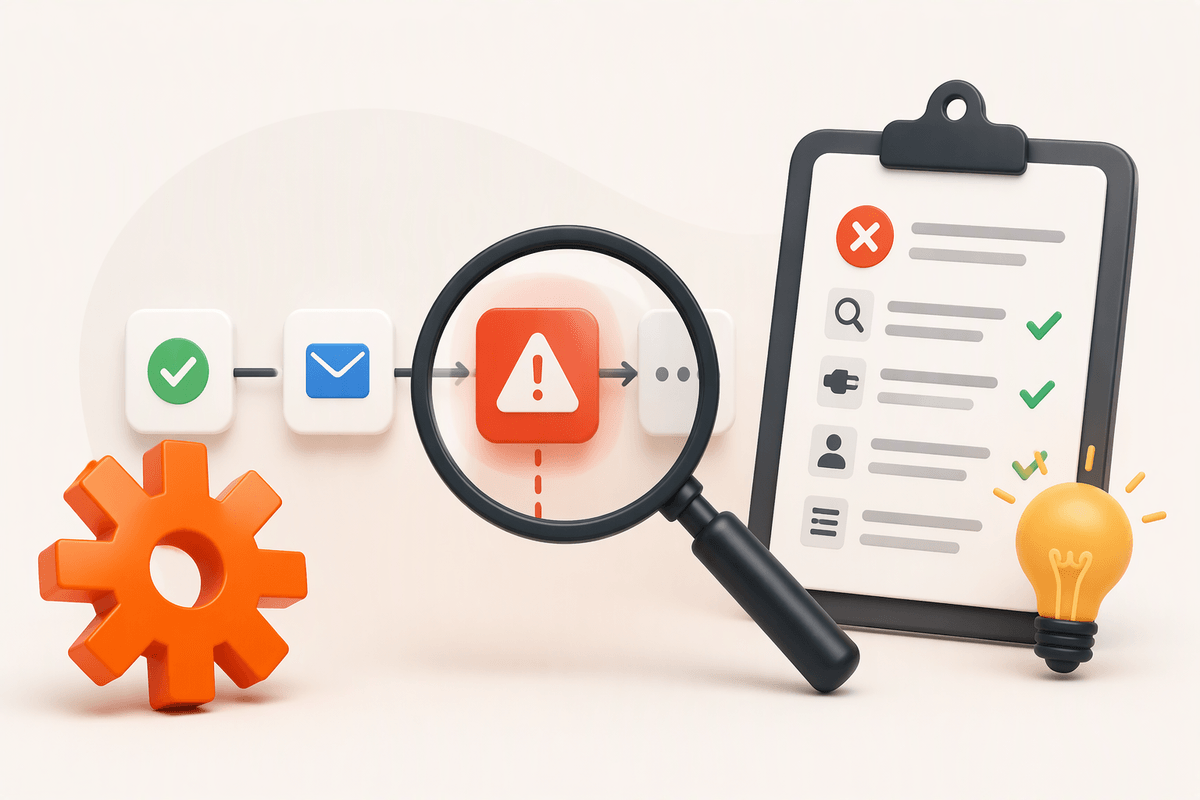
You notice the costs when Readwise becomes one more place demanding attention. Reviews arrive whether you’re in the mood or not, and a “quick” session can turn into tagging, editing, and deciding what’s worth exporting. If you highlight heavily, the queue grows faster than your ability to prune it, and the resurfacing that once felt helpful starts to feel like noise. The friction is subtle: another app to check, another set of settings to tune, another workflow to maintain when your tools change.
Clutter shows up in your destination notes app, too. Automatic exports can create hundreds of pages or files that look organized but behave like an archive. Unless you add context—why you saved it, what project it supports—highlights remain detached snippets. Then there’s subscription fatigue: even a reasonable monthly fee competes with other “small” subscriptions, and you may resent paying during months when you’re reading less.
Readwise versus lighter alternatives you may already have
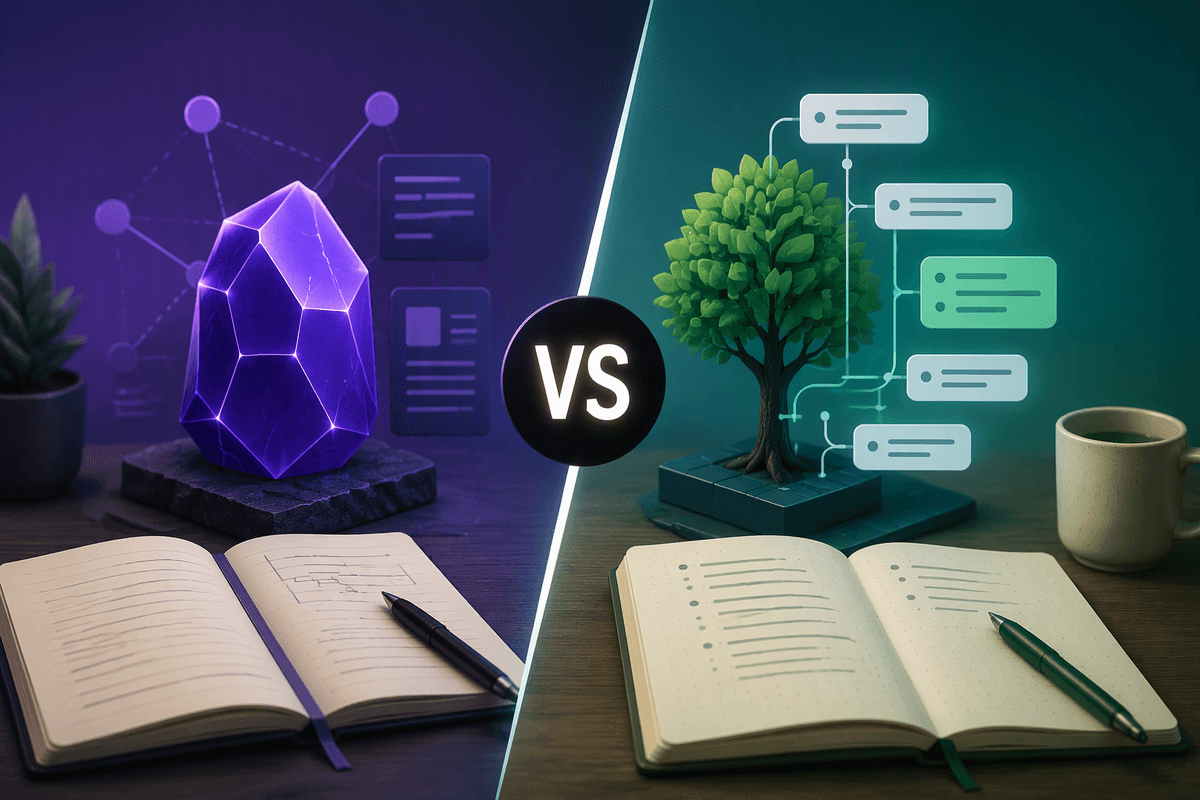
You can approximate parts of Readwise with tools you already have, but each option has a missing piece. Kindle’s built-in notes and clippings are fine if you mostly read in one ecosystem and your retrieval needs are occasional search, not regular resurfacing. Pocket or Instapaper work if your main problem is finishing articles, not revisiting what you’ve already highlighted. Notion, Obsidian, or a spreadsheet can become a durable library, but only if you’re willing to do the unglamorous work: exporting, cleaning up formatting, deciding a consistent structure, and adding context so snippets aren’t just floating quotes.
The real comparison is “automation plus review” versus “manual capture plus ad hoc search.” Readwise earns its keep when you read across sources and want highlights to show up again without you remembering to go looking, and when you value integrations enough to keep your working notes in your preferred app. Lighter alternatives win when your reading volume is low, your sources are limited, or you already have a disciplined weekly review habit. The practical downside of Readwise is paying to maintain a pipeline you might stop using if your tools or priorities change.
A simple test to decide in one week
Picture a normal workweek where you don’t “research a system,” you just use one. For seven days, pick one active project (a memo, a strategy doc, a talk) and one source mix you actually read from (Kindle plus articles, for example). Turn on daily review, but cap it: 5–10 highlights, no more. Your only job is to add one line of context to anything that feels reusable and export it to one place you already trust. On day seven, ask: did you reuse at least three highlights without hunting, and did review feel lighter than manual search? If not, the subscription is probably overhead.