What a dedicated newsletter platform actually does
You can send a newsletter from Gmail, but it breaks down fast once you need a real signup form, a clean subscriber list, and proof you’re sending with permission. A dedicated newsletter platform bundles the unglamorous essentials: list management (including unsubscribes), hosted signup forms, basic templates, scheduling, and reporting like opens and clicks.
It also handles the behind-the-scenes mechanics that keep messages out of spam folders, like aligning your “From” address with the right sending infrastructure and enforcing compliance defaults. The trade-off is cost and constraints: you’ll pay as your list grows, and you’ll work within the platform’s editor, segmentation rules, and automation limits.
Pick your first platform without overthinking it
You’ll be tempted to compare every feature, but your first platform choice is mostly about removing friction so you can send. Start with the basics you can’t “fix later” easily: can it collect subscribers with a simple form, manage unsubscribes automatically, and send from your own domain address (not a random shared sender)? If you can do those three things, you’re in good shape for the first few months.
Use a simple decision rule: if you’re writing a straightforward newsletter, pick a platform with a clean editor, solid deliverability guidance, and sane pricing as your list grows. If you’re selling products or running a store, lean toward a tool that handles tags/segments and basic automations without a lot of setup. Avoid choosing based on advanced workflows you won’t build yet.
Switching later is possible, but it costs time: moving subscribers, recreating forms, and warming up a new sender. Optimize for shipping your first issue, not theoretical perfection.
Set up your list, forms, and signup flow
The first setup decision is the address you’ll send from. Use a real domain you control (like [email protected]), not a free mailbox, then follow your platform’s step-by-step domain authentication prompts. This typically means adding a few DNS records so inbox providers can verify your mail is legitimate. It’s not hard, but it can take an hour to propagate, and you may need whoever manages your domain login.
Create one main list to start, then keep organization simple with one or two tags (for example, “website,” “referral,” or “customer”). Don’t import random contacts “just to get started.” If they didn’t explicitly opt in, you’re buying short-term vanity metrics and long-term deliverability problems.
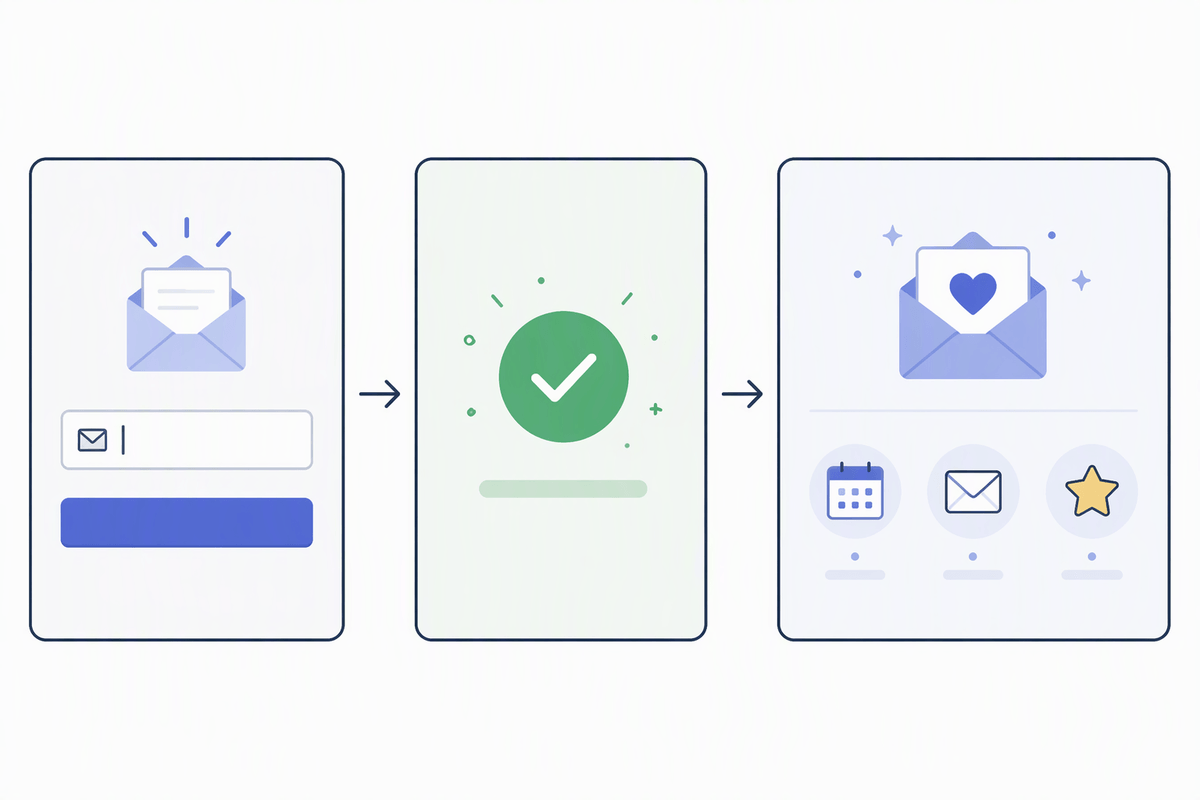
For signup, aim for a single, obvious path: one form on your homepage, one form at the end of relevant posts, and a basic confirmation message. Ask only for email at first; every extra field reduces signups. After someone subscribes, send them to a plain thank-you page that sets expectations: what you’ll send, how often, and why it’s worth opening.
Write and design your first issue fast
Your first issue should prove you can ship, not show off your full “brand system.” Start with a single promise and one main takeaway: a quick insight, a short story with a lesson, or three useful links with one sentence of context each. If you can’t explain what this issue does for the reader in one line, cut until you can.
Use a simple structure you can repeat: headline, a 2–3 sentence opener, the main content, then one clear close (reply with an answer, forward to a friend, or hit a single link). Keep the design boring on purpose. Pick one readable font, one accent color, and a narrow content width. Skip heavy image headers and fancy columns; they slow you down and can render strangely across email apps.
Write in the editor you’ll send from, not in a doc you’ll later “paste and pray.” Test on your phone, fix obvious spacing, and send yourself a preview. The practical constraint: every extra layout tweak costs time and increases the chance something breaks, while the reader mostly cares about clarity.
Send with confidence: deliverability and compliance basics
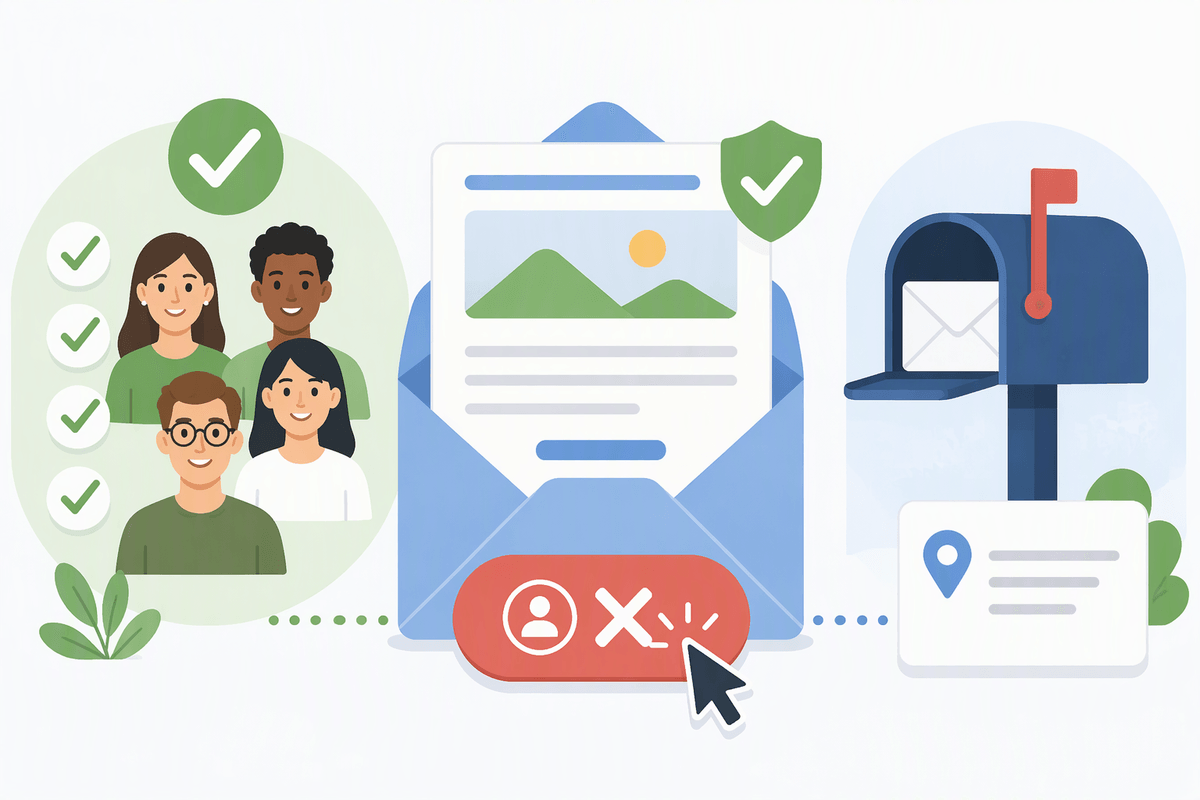
Before you hit send, make sure your sender setup is actually finished: your “From” address matches your domain, authentication shows as verified in your platform, and you’re not blasting a brand-new domain to a huge list on day one. Start with the people who clearly asked for it, and keep early sends consistent (same name, same address, similar cadence). If you suddenly change subjects, volume, or formatting, inbox filters treat that like a risk signal.
Compliance is simpler than it sounds: only email people who opted in, include a physical mailing address (a PO box is fine), and make the unsubscribe link obvious and working. Don’t hide it in tiny text or replace it with “reply to unsubscribe.” If someone unsubscribes, let them go immediately. The real cost of cutting corners is deliverability damage that can take weeks to recover from, even after you “fix” the mistake.
Measure what matters, then improve one thing
You’ll open the dashboard after a send and see a lot of numbers. Early on, ignore the noise and watch three signals: delivery/bounces (are you reaching inboxes?), unsubscribes/spam complaints (are you earning permission?), and clicks or replies (did anyone act). Opens can be useful for spotting extremes, but they’re messy now and easy to misread, so don’t let a “low open rate” convince you to overhaul everything.
Pick one small improvement per issue so you can tell what caused what. If clicks are weak, change the call to action: one clear link, a stronger “why,” and fewer competing options. If unsubscribes spike, tighten your promise at the top and make sure the subject line matches what’s inside. If bounces are high, stop and fix list quality before you keep sending.
Keep a simple log: send date, subject line, main topic, and one change you tested. That’s enough to get better without turning publishing into analysis.
Build a sustainable publishing rhythm and workflow
The hard part isn’t writing one good issue; it’s writing the tenth when your week gets busy. Pick a cadence you can protect (weekly, every other week, or monthly) and tie it to a real moment on your calendar, like “publish Tuesday morning.” Then build a lightweight pipeline: capture ideas in one place, draft a day before, do a 10-minute edit pass (subject line, first paragraph, links), and schedule the send.
Reduce decision fatigue by reusing a template and a consistent closing CTA. If you work with others, define one handoff (who drafts, who checks links, who hits schedule). The constraint is time: a “perfect” workflow is useless if it adds steps you’ll skip, so design for the week you actually have.