Why Manage More Than One Twitter Account?
Managing more than one Twitter account makes sense when each account serves a different audience or purpose. A small business might need separate profiles for its brand, support team, and local branch. A creator may keep personal updates apart from a project or client account. Separating these identities helps followers understand what they are seeing and prevents a casual post from appearing in the wrong place.
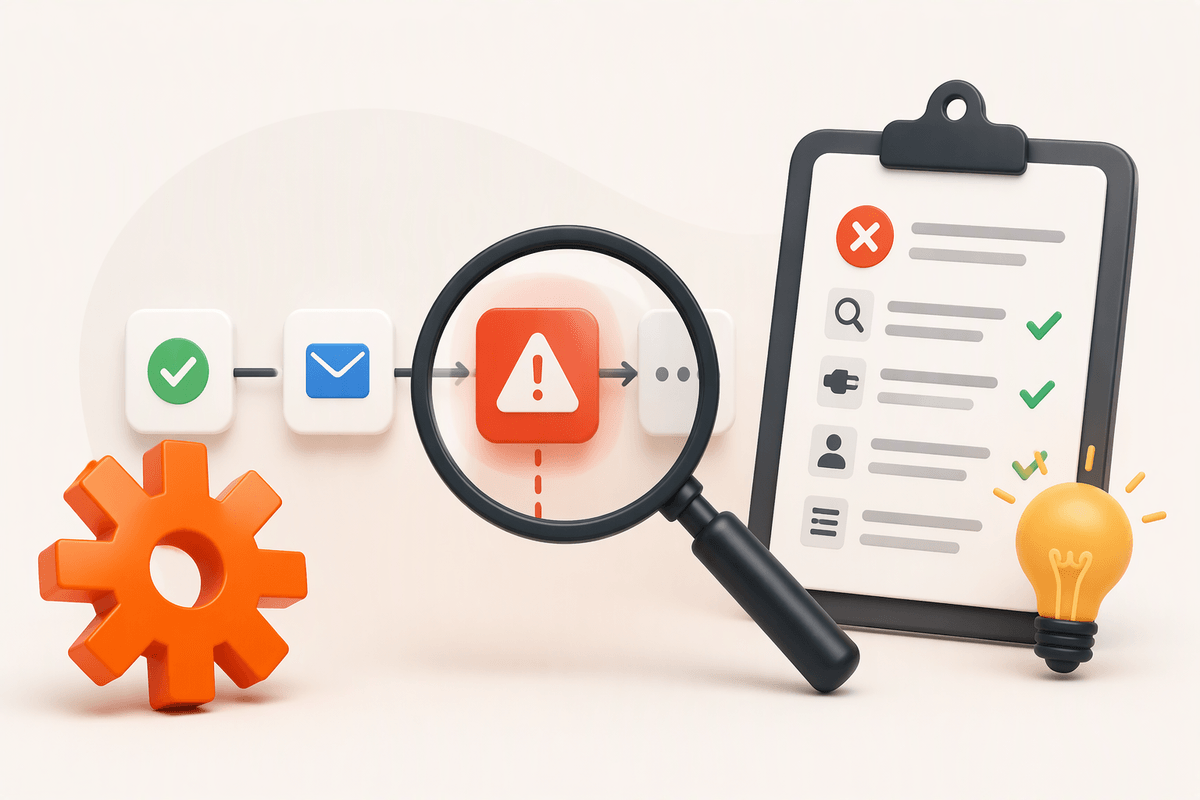
The challenge is that multiple accounts add daily decisions. You must track which profile is active, use the correct voice, monitor separate notifications, and protect each account’s login access. Without a simple system, it is easy to publish an unfinished draft, miss an important message, or share credentials too broadly. The goal is not merely to operate several accounts, but to make each one clear, secure, and practical to maintain.
Plan Each Account Before Creating It
Before creating another account, write down what it is for and who should see it. Define its audience, tone, main topics, and the actions you expect followers to take. A customer-support account may need a calm, direct voice and quick response standards, while a personal or creative account can be more informal. Give each profile a distinct name, image, biography, and visual style so you can recognize it at a glance.
Decide who will manage the account and what access they need. Record the account’s login email, recovery method, approved managers, and notification preferences in a secure location rather than relying on memory or scattered messages. It also helps to create a short identity guide with examples of suitable posts, words to avoid, and topics that require approval. This preparation takes extra time, but it reduces costly mistakes later, especially when several profiles use similar branding or are managed by more than one person.
Create Additional Accounts Without Confusion
When creating another Twitter account, use a separate email address or an account-specific login method that you can identify later. Choose the username, display name, profile image, and biography from the identity guide before you begin, then review the profile while signed in to make sure the details match. Avoid creating several profiles in rapid succession without recording their information; similar usernames and shared branding can make it difficult to tell which account is active.
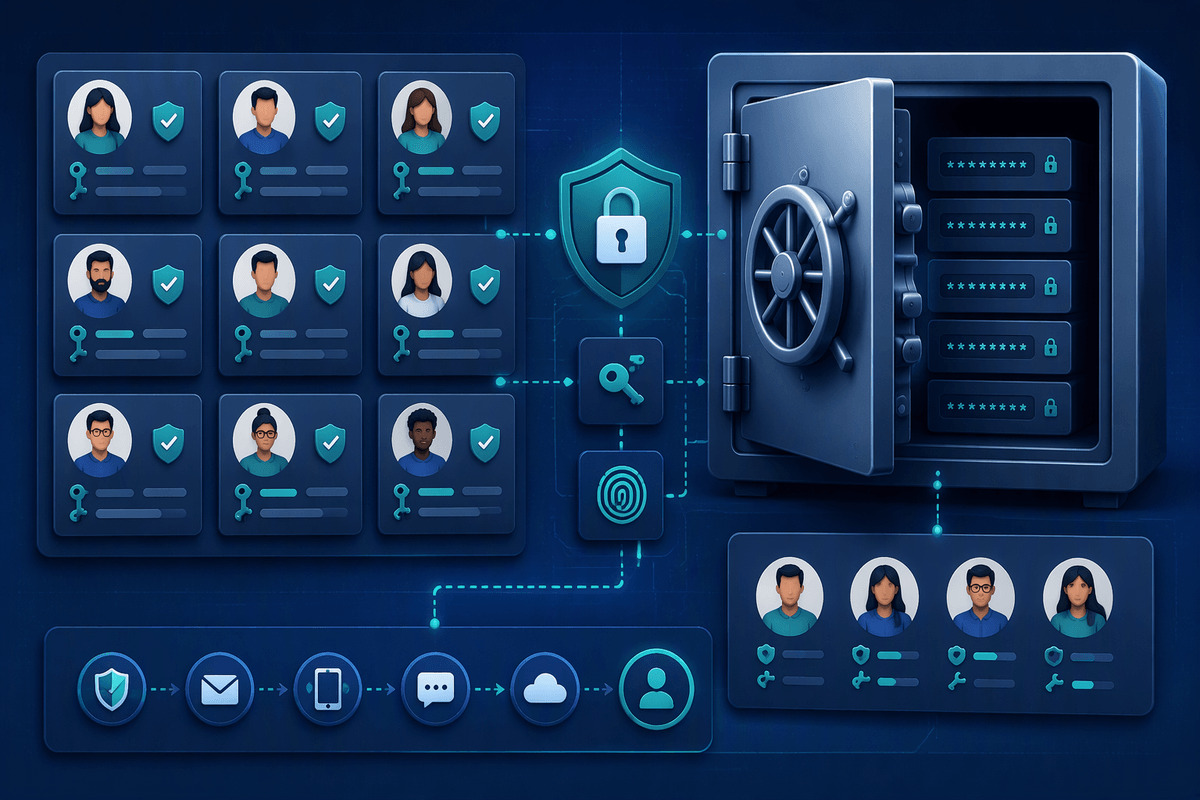
Keep a simple account register in a secure password manager or another protected system. Record each username, associated email, recovery method, authorized managers, and the account’s purpose, but never store plain-text passwords in a shared document. After setup, check the active profile before posting, replying, following, or changing settings. A useful habit is to pause and read the display name and profile image aloud before publishing. If multiple people will manage the accounts, assign access deliberately and remove former team members promptly. Some account features, verification requirements, or creation limits may vary, so avoid building a workflow that depends on every profile having identical options.
Switch Between Accounts Efficiently
When several accounts are open, switching quickly is useful only if you can still confirm which profile is active. Before writing a post or reply, check the account name, profile image, and any visible label in the compose screen. Make this pause part of the routine, especially when moving between accounts with similar branding. A separate browser profile or app workspace for each major account can add another layer of visual separation, although it may be less convenient on a phone.
Keep notifications organized so urgent messages do not disappear among routine alerts. Set distinct notification preferences for customer support, personal activity, and lower-priority projects, then review each account on a regular schedule. A simple daily checklist can include checking mentions, direct messages, scheduled posts, and pending approvals for every profile. When working with a team, record who is responsible for each account and use approved access tools instead of passing passwords through chat. Switching accounts does not replace review: confirm the intended profile immediately before publishing, particularly when responding from a notification or reposting existing content. This small delay is usually faster than correcting a public mistake.
Build a Manageable Content System

A manageable content system starts with one shared calendar that clearly separates accounts, audiences, formats, and approval status. Use labels or columns for each profile, then record the planned topic, draft text, media, publishing time, and responsible person. Keep recurring content, campaign posts, and timely updates in different categories so an urgent announcement does not get buried among routine material. Draft posts in the calendar or an approved workspace rather than keeping final versions across personal notes, email threads, and chat messages.
Create a review routine before anything goes live. Check that the post matches the account’s purpose, uses the correct link or media, and avoids details that belong to another profile. Scheduling can reduce daily workload, but it should not replace monitoring; breaking news, customer replies, and changed promotions may require edits or cancellation. Leave room for unscheduled posts and avoid filling every time slot weeks in advance. A practical system also records performance by account, such as useful replies, clicks, or qualified inquiries, rather than judging every profile by the same measure. This makes it easier to decide what deserves continued effort.
Protect Accounts and Avoid Common Mistakes
Protect every account with a unique, strong password and multi-factor authentication, preferably through a password manager or authenticator rather than shared text messages. Keep recovery email addresses and phone numbers current, and review active sessions or connected applications regularly. Remove access for former employees, contractors, and agencies as soon as their work ends. If several people need to publish, use role-based access where available instead of giving everyone the primary login. This limits damage when a device is lost, an account is compromised, or a team member makes an error.
Most mistakes come from rushing: posting from the wrong profile, attaching the wrong image, replying publicly to a private issue, or leaving an outdated scheduled post live. Require a second review for sensitive announcements, promotions, political topics, and customer complaints. Keep an incident plan with the steps for deleting or correcting a post, notifying the right person, and changing credentials after suspicious activity. Do not assume deletion erases screenshots or notifications, and do not let convenience override security. Extra checks take time, but recovering a compromised account or correcting a public mistake usually costs far more.
Keep Every Account Worth Maintaining
An account is worth keeping only when it has a clear job and receives enough attention to serve it well. Review each profile regularly by asking whether it still reaches a distinct audience, supports a real business or personal goal, and produces useful results such as replies, leads, sales, or community activity. An account that rarely receives meaningful engagement may need a narrower purpose, a slower posting schedule, or a planned closure.
Maintenance also has a real cost. Each profile requires content, moderation, security checks, and timely responses, so do not measure success by the number of accounts you operate. Combine overlapping accounts when that would make communication clearer, and archive unused profiles after updating their biography and directing followers elsewhere. A smaller group of active, secure, well-managed accounts is usually more effective than a larger collection that creates confusion and receives inconsistent care.